HVAC Tips for Summer: Stay Cool While Saving Money in Georgetown & Lakeway, TX
Looking for HVAC tips for summer in Texas that actually make a difference? These past few Texas summers have been pushing air conditioning systems to their limits. But the right habits can mean the difference between a comfortable home and a surprise breakdown in the middle of August. This guide covers everything: the ideal thermostat setting, energy efficiency strategies, essential maintenance steps, and smart technical improvements to keep your home cool all season long, specifically for homeowners in Georgetown and Lakeway, TX.
What Temperature Should I Set My Thermostat to in the Summer?
Recommended Temperature Setting: Why 78°F is the go-to
Setting your thermostat to 75–78°F helps reduce the workload on your AC system, lowers electricity consumption, and helps to shrink your monthly utility bill.
That said, comfort is personal. If 75–78°F feels too warm, adjust gradually. The goal is to find the lowest-cost setting that keeps your household comfortable.
Tips to Feel Comfortable at 78°F
- Run ceiling fans to create a wind-chill effect; this can make 78°F feel up to 4 degrees cooler.
- Close blinds and curtains during peak heat hours (typically 10 AM – 4 PM).
- Use a dehumidifier. High humidity makes your home feel hotter than it actually is. Removing excess moisture improves comfort without lowering the temperature.
HVAC Tips for Summer to Save on Air Conditioning Costs
Keeping your home cool doesn’t have to mean sky-high utility bills. Here are our most effective HVAC tips for summer that help to reduce AC costs:
1. Use Fans
Ceiling fans, box fans, oscillating fans, and portable fans all improve air circulation and help your home feel cooler without requiring the thermostat to be turned down. Use fans in occupied rooms and turn them off when you leave; fans cool people, not rooms.
2. Invest in a Smart Thermostat for a Cooler Summer
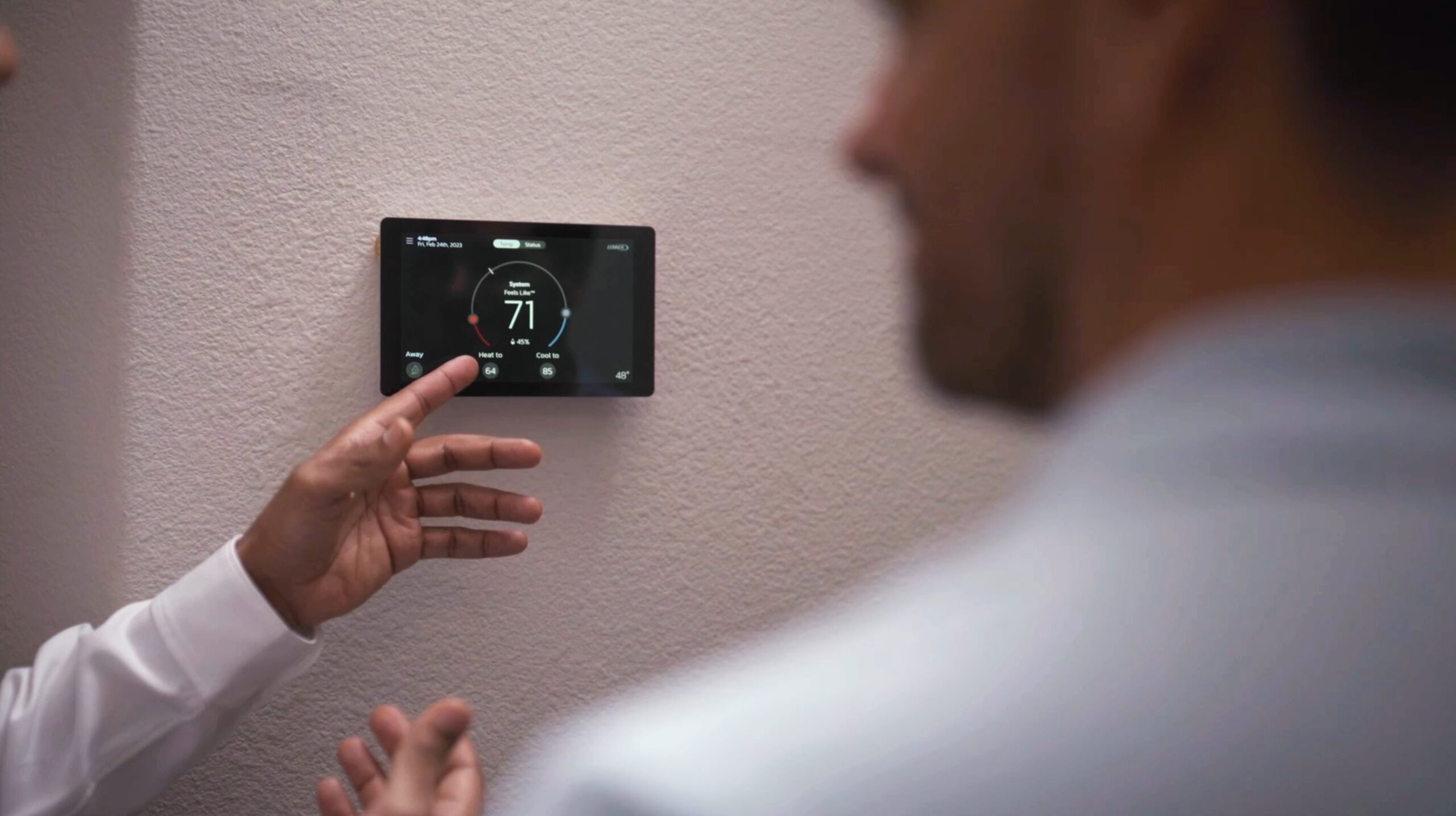
A smart thermostat automatically raises the temperature when you’re away and then cools the home back down before you return. This eliminates energy waste during hours no one is home. They also allow you to control your home’s temperature remotely from your phone. You can turn on the AC on your drive home and then walk into a perfectly cooled house without running the system all day.
3. Seal Air Leaks to Keep Hot Air Out
Check your windows, doors, and any exterior openings for drafts. Sealing gaps in your home with caulking or weatherstrips prevents warm outside air from entering and cool air from escaping. The less air that leaks into or out of your home means your AC doesn’t have to work as hard.
4. Block Solar Heat Gain
Using blinds, curtains, shades, or reflective window films to help block direct sunlight during the hottest parts of the day can help keep your home cooler. South and west-facing windows are the biggest contributors to indoor heat gain. Keep those windows covered to substantially reduce the load on your air conditioner.
5. Time Your Appliance Use
Ovens, stoves, dishwashers, and dryers all generate heat. Running heat-producing appliances during the cooler parts of the day (early morning or late evening) reduces the amount of heat added to your home. Consider grilling outdoors instead of using the oven during peak summer heat.
6. Upgrade to a High-Efficiency System
If your AC unit is 10–15 years old or older, it may not be running as efficiently as newer systems. A good tip when searching for a new unit is to look for an HVAC unit with a high SEER (Seasonal Energy Efficiency Ratio). The higher the SEER, the more efficient the unit. Upgrading to a modern, high-SEER system can substantially reduce your energy bills over the long term.
Essential HVAC Tips for Summer in Texas
Proper HVAC maintenance helps keep your system running efficiently, extends its lifespan, and helps to reduce the chance of an unexpected breakdown during the peak summer heat of August.
Change Your HVAC Air Filter Regularly
We recommend this all the time because it is one of the easiest and most impactful things you can do for your HVAC system. A dirty air filter restricts airflow, forces the system to work harder, reduces efficiency, and accelerates component wear. During heavy summer use, check your filter every 30 days and replace it as needed. Most standard filters should be replaced every 1–3 months.
Keep Doors and Windows Closed While the AC Is Running
Every time a door or window is left open, conditioned cool air escapes and hot outside air rushes in, forcing your system to work harder to recover. Keep all doors and windows closed while your AC is running, and check the weatherstripping around them periodically to ensure there are no ongoing leaks.
Schedule Your Bi-annual Maintenance Appointment with AeroDS
A bi-annual professional service is essential for peak HVAC performance. A routine maintenance visit from a certified AeroDS technician accomplishes several things:
- Confirms your system is configured and running correctly
- Identifies small problems before they become expensive repairs
- Proactively replaces worn or failing components.
- Ensures your system is operating at its rated efficiency
If you cannot remember when your system was last professionally serviced, then it’s time to call. Regular maintenance extends your unit’s lifespan and protects your investment.
Don’t Crank the Thermostat All the Way Down
When your home feels hot and you want to cool it down fast, the instinct is to set the thermostat as low as it will go. Resist this urge. Your AC cools at the same rate regardless of the thermostat setting — cranking it to 60°F won’t cool your home faster; it will just run longer and risk overworking the system. Instead, use a smart thermostat to start cooling your home before you arrive.
Smart Technology Upgrades for Better Summer Comfort
Smart Thermostats
A smart thermostat gives you complete control over your home’s comfort from anywhere. Set schedules, adjust the temperature remotely, and receive alerts if something is wrong. Smart thermostats pay for themselves quickly by eliminating energy waste when the home is unoccupied.
Zoning Systems
A zoning system (such as the Lennox iHarmony system) uses motorized dampers inside your ductwork to control airflow independently to different areas of your home. Instead of cooling rooms that aren’t being used, a zoning system directs conditioned air exactly where it’s needed, improving comfort plus reducing energy waste.
Dehumidifiers
Texas summers are not only hot, they’re humid. A whole-home dehumidifier removes excess moisture from the air throughout the entire house, making your home feel cooler at a higher thermostat setting and reducing the overall load on your AC system.
Summer HVAC Checklist:
Use this checklist to prepare your home for summer:
- Replace air filter (check monthly during peak season)
- Schedule a professional HVAC maintenance appointment if not done in the past year
- Inspect and seal weatherstripping around doors and windows
- Install or program a smart/programmable thermostat
- Set thermostat to 75-78°F when home and increase by 7°F when away
- Set ceiling fans to run counterclockwise (for a cooling effect)
- Close blinds and curtains on south- and west-facing windows during peak hours
- Shift appliance use (oven, dryer, dishwasher) to cooler parts of the day
- Check the outdoor AC unit for debris, blockages, or overgrown vegetation
- Consider upgrading to a higher-SEER system if your unit is 10+ years old
Frequently Asked Questions | HVAC Tips for Summer
Q: What temperature should I set my thermostat to in the summer in Texas?
A: 78°F when home is the recommended setting based on energy efficiency guidelines from the Texas Public Utility Commission. Raise it to 85°F or higher when you’re away, especially for an extended period of time.
Q: How often should I change my AC filter in the summer?
A: Check your filter monthly during heavy summer use. Most filters should be replaced every 1–3 months, but homes with pets, allergies, or high dust levels may need more frequent changes.
Q: How can I lower my air conditioning bill in Texas?
A: The most effective steps are: setting your thermostat to 78°F, using ceiling fans, sealing air leaks, closing blinds during peak hours, keeping doors and windows shut, and scheduling bi-annual professional maintenance with AeroDS.
Q: Is 78 degrees too hot for a house in summer?
A: For most people, 78°F is comfortable when combined with ceiling fans and proper humidity control. If it feels too warm, reduce in 1-degree increments until you find your comfort zone.
Q: How often should my HVAC system be professionally serviced?
A: At a minimum, once per year. Twice per year (spring and fall) is ideal to maintain comfort throughout the year and to find issues before peak cooling and heating seasons.
Q: Does cranking the thermostat lower cool my house faster?
A: No. Your air conditioner cools at the same rate regardless of how low the thermostat is set. Setting it to 60°F just means it runs longer, not faster.
Aero Designed Systems: Your Georgetown & Lakeway HVAC Experts
AeroDS is your local HVAC expert in Georgetown and Lakeway, Texas, and we specialize in air conditioning installation, repair, maintenance, and smart home comfort upgrades. If you’re considering upgrading your HVAC system before the summer heat sets in, don’t hesitate to reach out today.
- Blog
- Community Happenings
- Energy Savers
- Health Benefits
- How to know the problem
- HVAC Problems
- Installation
- Maintenance
- Most Popular
- Projects
- Repair Tips